
Approve a Processing Activity
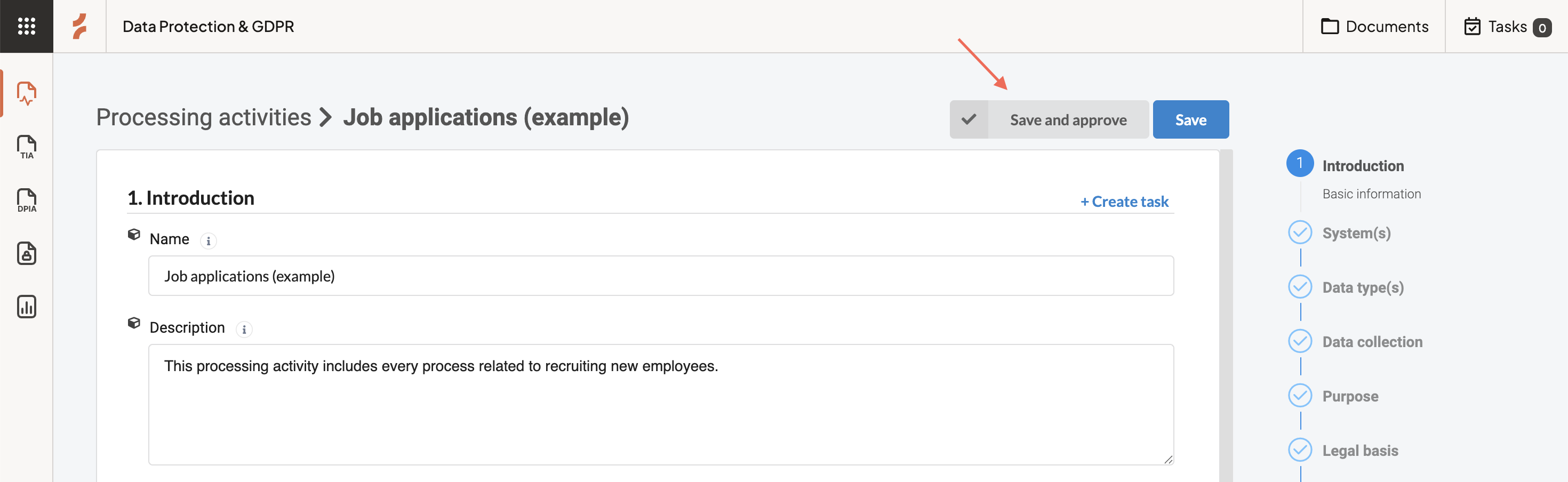
To approve a Processing Activity:
- Open the Processing Activity you want to review
- Go to any step in the framework
- Select Save and approve
You can approve the activity from any step once the information is complete.
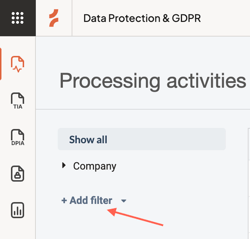
Filter approved activities
You can use filters in the Processing Activities overview to:
- view approved activities
- identify activities that still need review
This helps you keep track of what’s ready for reporting.
Tip: Why approval matters
Only approved Processing Activities are included in your Article 30 report.
Approving activities ensures your record reflects reviewed and reliable information.
Any questions? Contact us at support@cerivo.com!