
To create a Processing Activity in Cerivo:
- Go to Data Protection & GDPR from the Dashboard or the left side menu that you open by clicking the 9-dot menu item on the top left corner
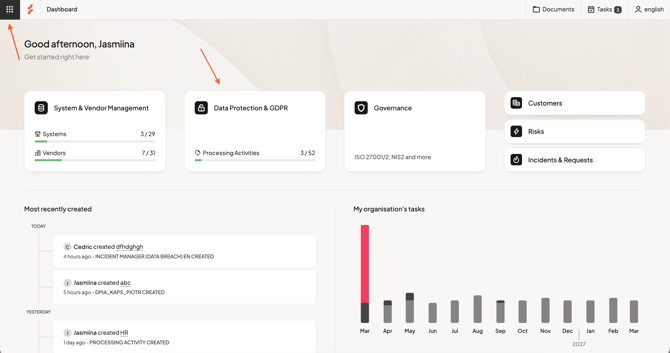
- Open Processing Activities
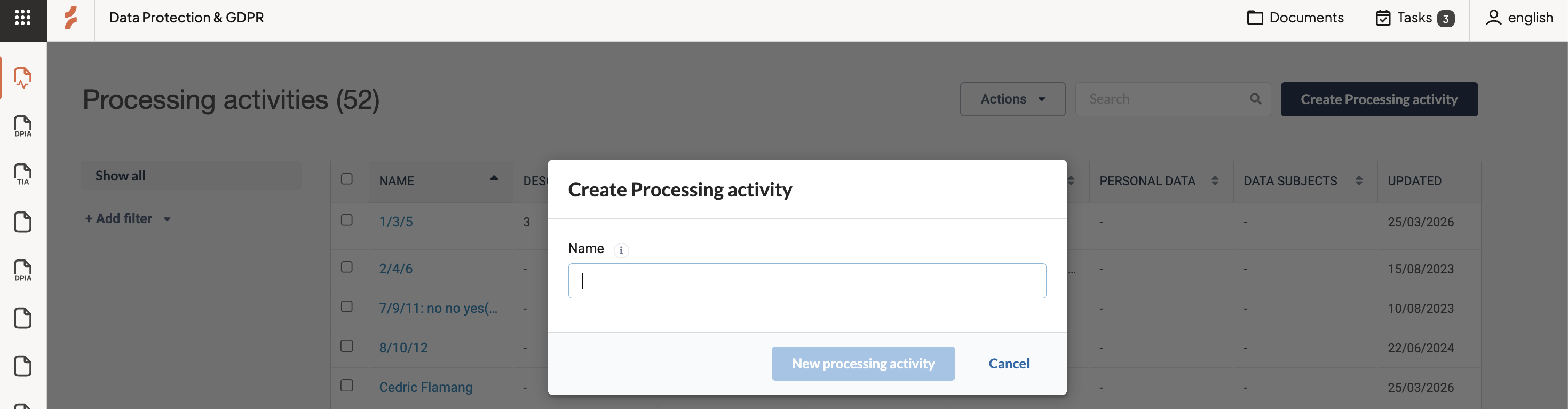
- Select Create processing activity
- Enter a name and follow the step-by-step framework to complete the activity.
Work through the framework
The framework guides you through the information needed to document your Processing Activity, from Introduction to Comments/Action plan.
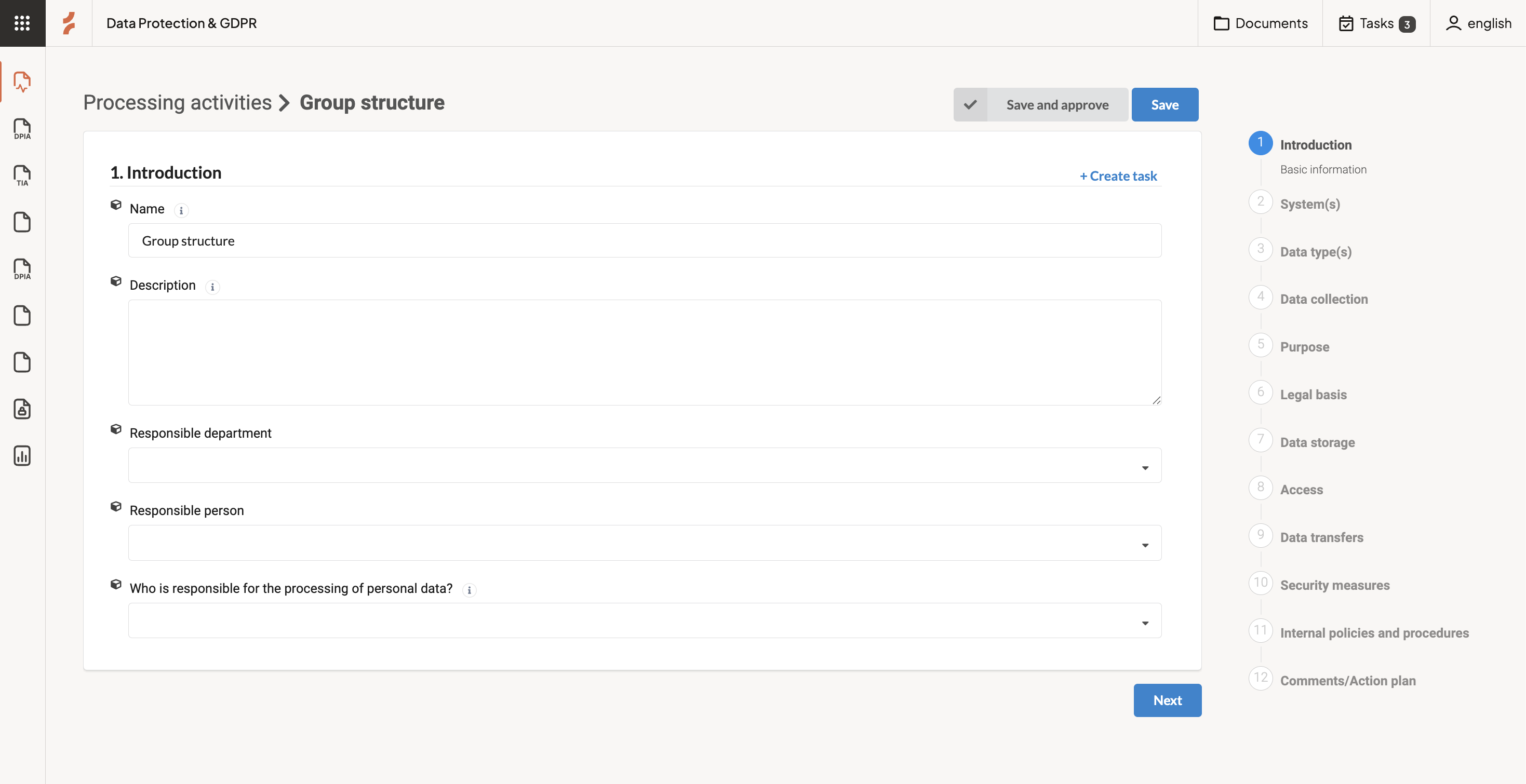
At each step, you can choose how to proceed:
- Next
Move to the next step in the framework - Save
Save your progress and return later - Save and Approve
Save your progress and approve the activity
What approval means
When you approve a Processing Activity, it will be included in your RoPA (Article 30 report).
You can approve the activity at any step once the information is complete.
Work at your own pace
You don’t need to complete everything in one session.
You can save your progress at any time and return when you’re ready.
Any questions? Contact us at support@cerivo.com!