
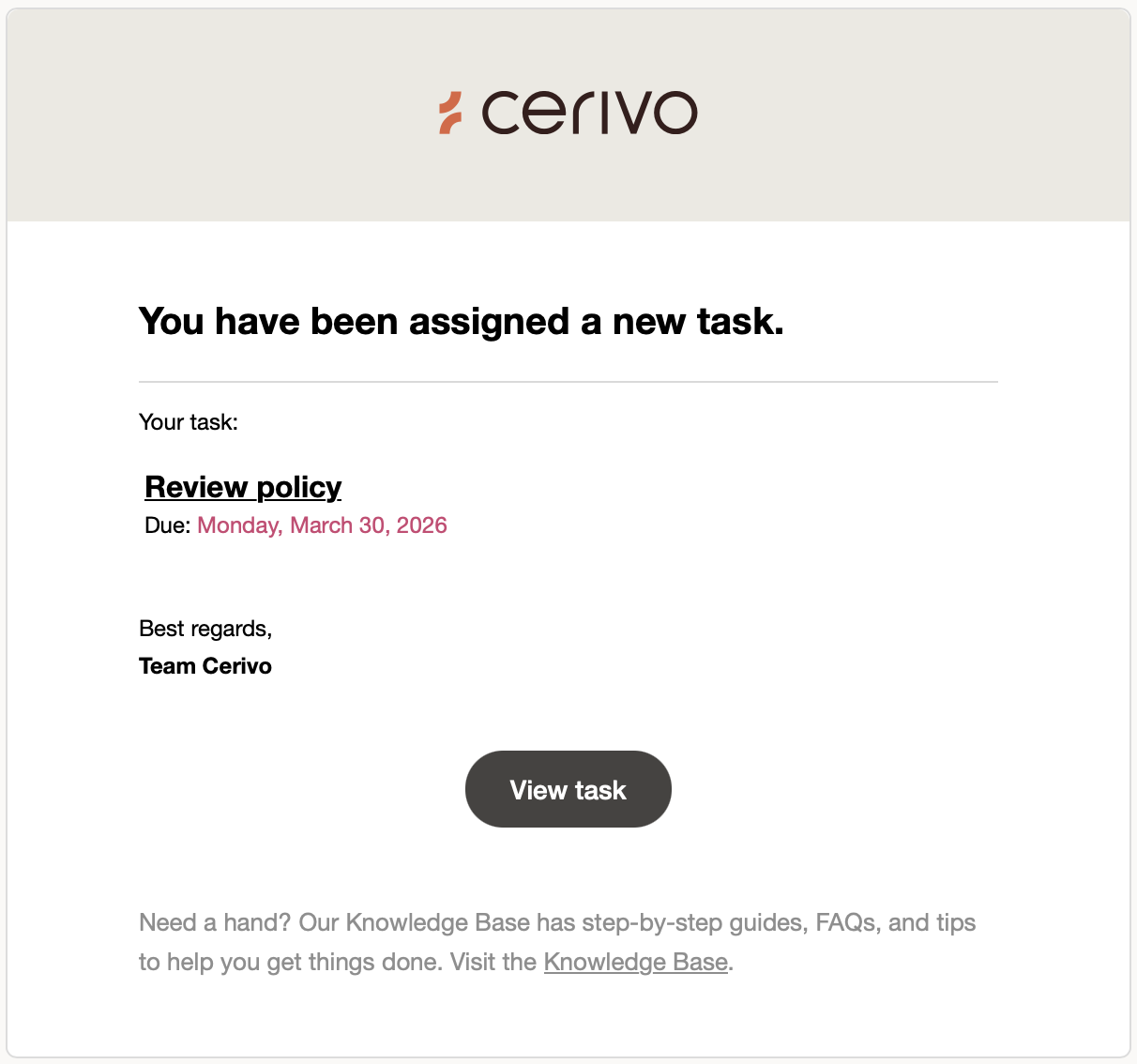
Cerivo sends email reminders to help you stay on top of your tasks.
Reminders are sent to users who are assigned as:
- Assignee (responsible for completing the task)
- Responsible (accountable for ensuring the task is completed)
Each email includes:
- the task name
- due date
- a direct link to the task
If you’re setting up a large number of tasks, you may want to pause reminders to avoid unnecessary notifications.
To do this, contact Cerivo support or your Customer Success Manager.
Reminders can be re-enabled once your setup is complete.
When reminders are sent
Reminders are only sent for open tasks.
If a task is completed early, no further reminders will be sent.
The type and frequency of reminders depend on whether the user is an assignee or responsible.
Reminders for assignees
If a task remains open, assignees will receive:
- Notification when a new task is assigned
- Reminder 14 days before the due date
- Reminder on the due date
- Reminder the day after the due date
- Notifications when new comments are added
- A weekly summary of overdue tasks
Multiple tasks may be grouped into a single email.
Reminders for responsible users
If a task remains open, responsible users will receive:
- Notification when a task becomes overdue
- Notifications when new comments are added
- Notification when a task is completed
- A weekly summary of overdue tasks
Assignee vs. responsible
Each task has two roles:
- Assignee
The person expected to complete the task.
Receives most reminders. - Responsible
The person accountable for ensuring the task is completed.
Receives fewer notifications, mainly when attention is needed.
Any questions? Contact us at support@cerivo.com!