
Risk assessments help you understand where your organization is exposed and what to do about it.
In Cerivo, you can follow a structured process to assess risks, apply controls, and maintain a clear overview of your risk landscape.
Step 1 — Identify your information assets
Start by identifying the assets you want to assess.
This can include:
- systems
- vendors
- Processing Activities
A good starting point is to map these in Cerivo. Read more about mapping your systems & vendors.
You can also use labels to highlight:
- business-critical assets
- types of personal data involved
Step 2 — Create a risk assessment
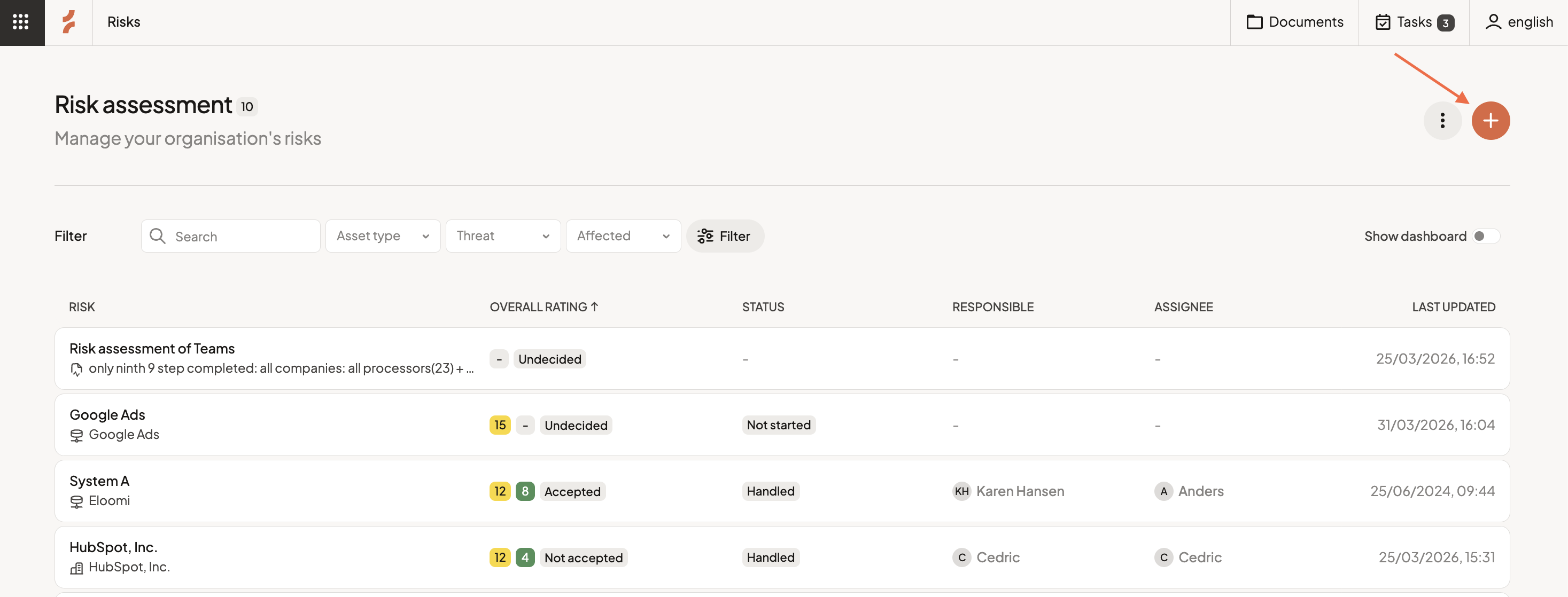
Go to the Risk Assessment module and create a new assessment and select the asset you want to evaluate.
Step 3 — Select relevant threats
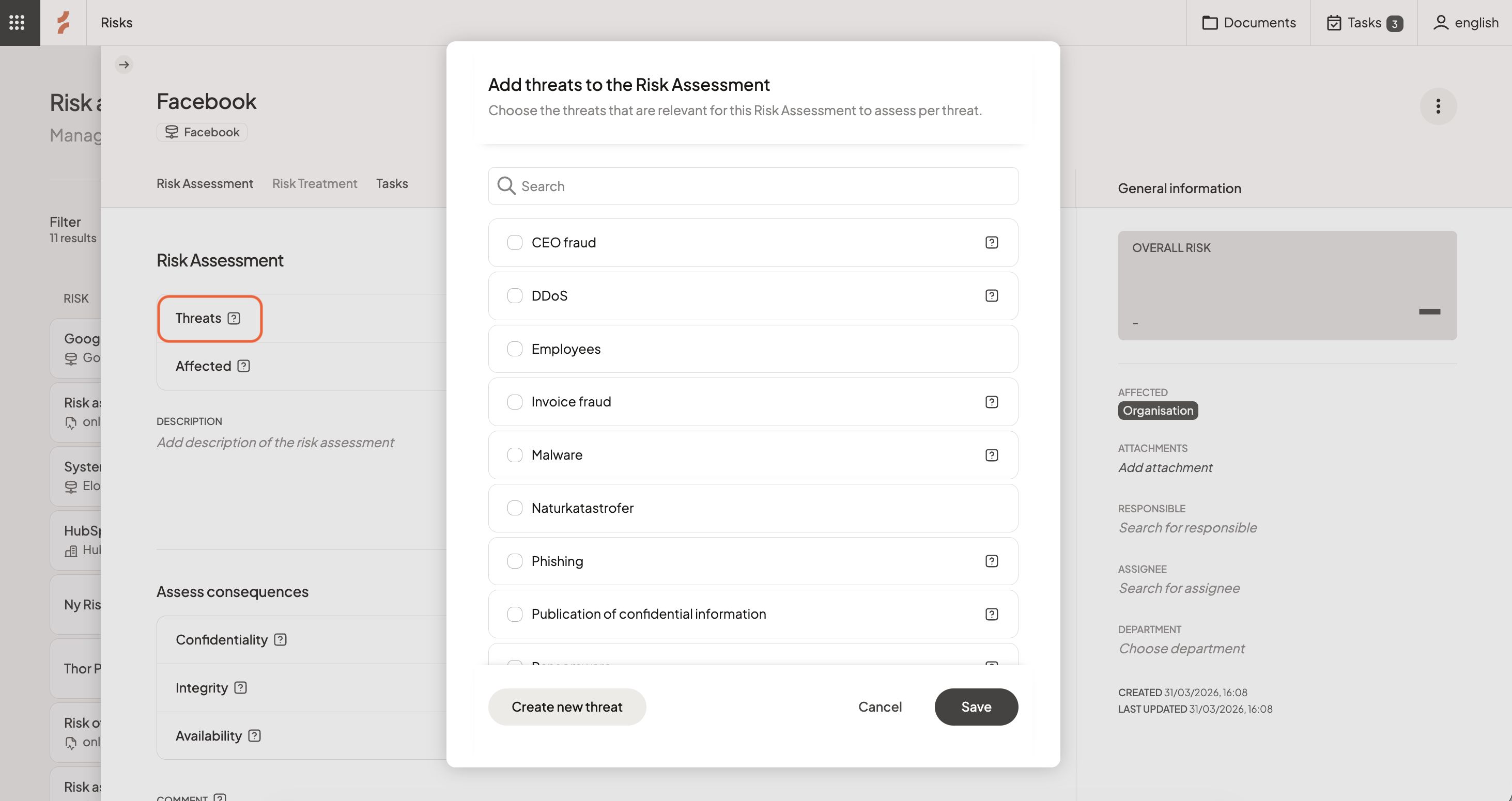
Choose the threats that apply to the asset.
You can:
- select from an existing list (multiple choice) and then click Save
- add your own threats by clicking Create new threat. You can then see it in the list, select it, and click Save
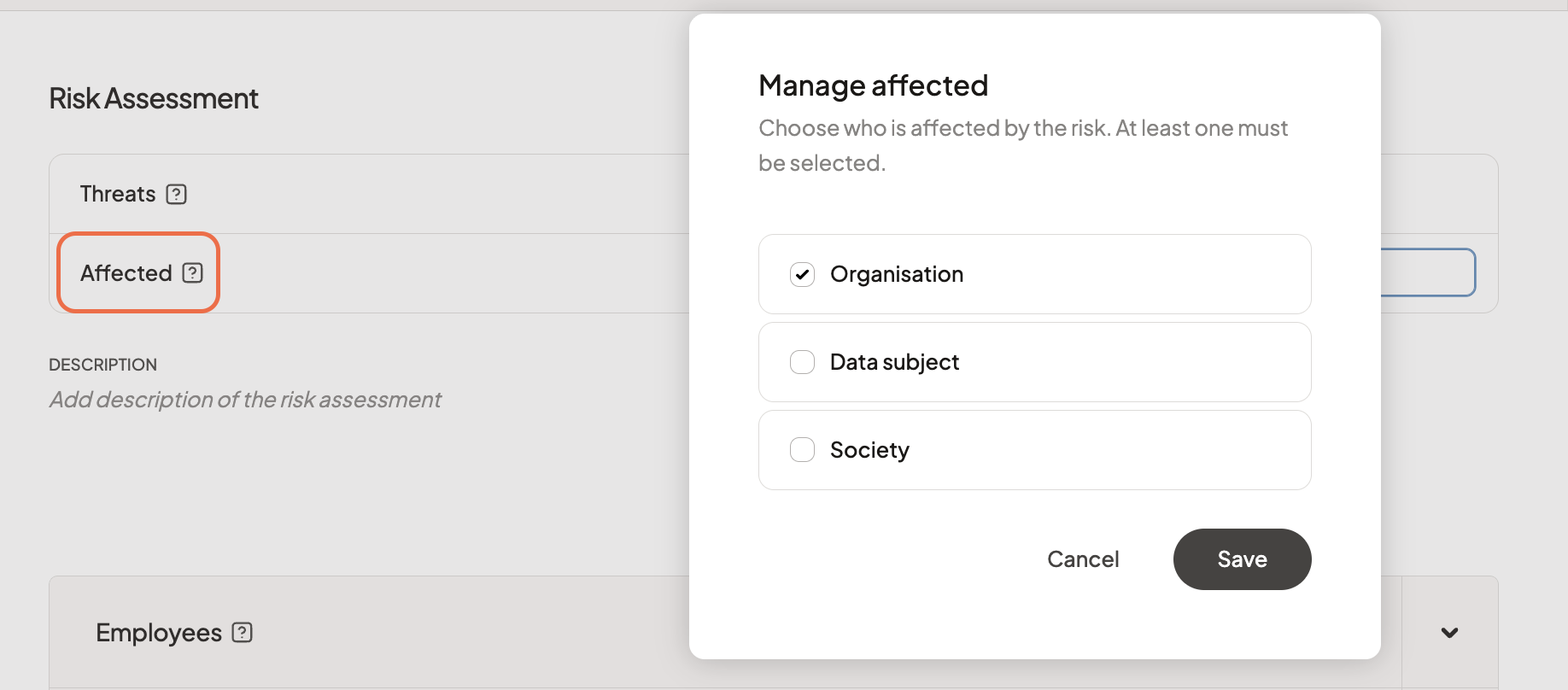
Then define who is affected (multiple choice):
- organization
- data subject
- society
Step 4 — Assess consequence and likelihood
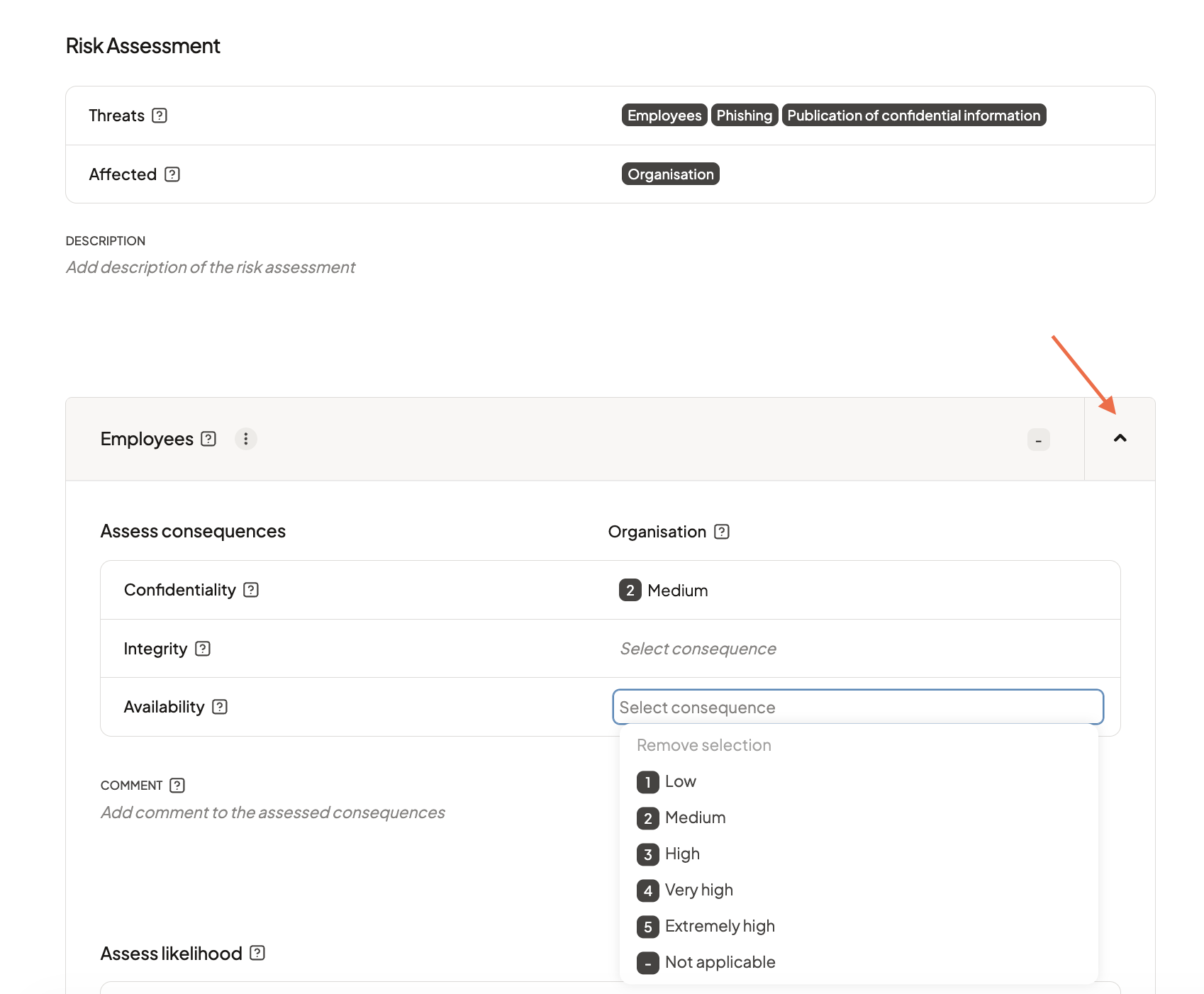
For each threat, assess:
- Consequence
Based on confidentiality, integrity, and availability - Likelihood
How likely the threat is to occur
You can assess impact for:
- organization
- data subject
- society
depending on which have been defined as affected above.
Step 5 — Review calculated risk
Cerivo will calculate risk scores based on your inputs.
You’ll see:
- an overall risk score
- separate scores for the organization and the data subject
Step 6 — Decide if the risk is acceptable
Review the results and decide:
- If the risk is acceptable → continue with current measures
- If not → move to risk management
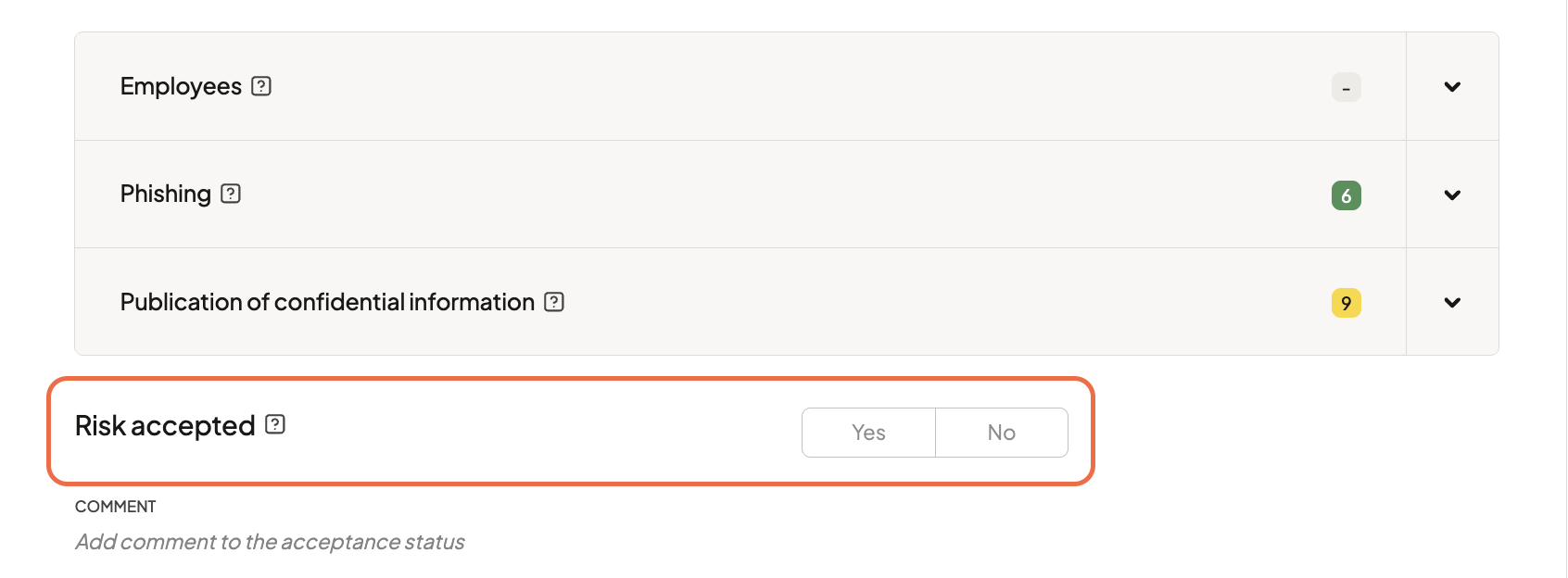
You can also add a comment on the acceptance status.
Step 7 — Manage the risk
Define how you want to address the risk.
You can:
- select technical or organizational measures
- add your own controls
- create tasks to ensure actions are implemented
Step 8 — Assess residual risk
Once measures are in place, reassess the risk.
Update:
- consequence
- likelihood
This shows how your actions have reduced the risk.
Step 9 — Review the full risk picture
Cerivo provides a clear overview of:
- current risk levels
- impact on the organization and data subjects
- how risk has changed over time
This helps you make informed decisions and maintain control.
Any questions? Contact us at support@cerivo.com!